Usage Tips
Pasting Large Text Blocks
When pasting text using Ctrl + V outside the text box, the text will be added as an attachment to the input. Text pasted in this way will not occupy display space.
Creating Conversations on Mobile
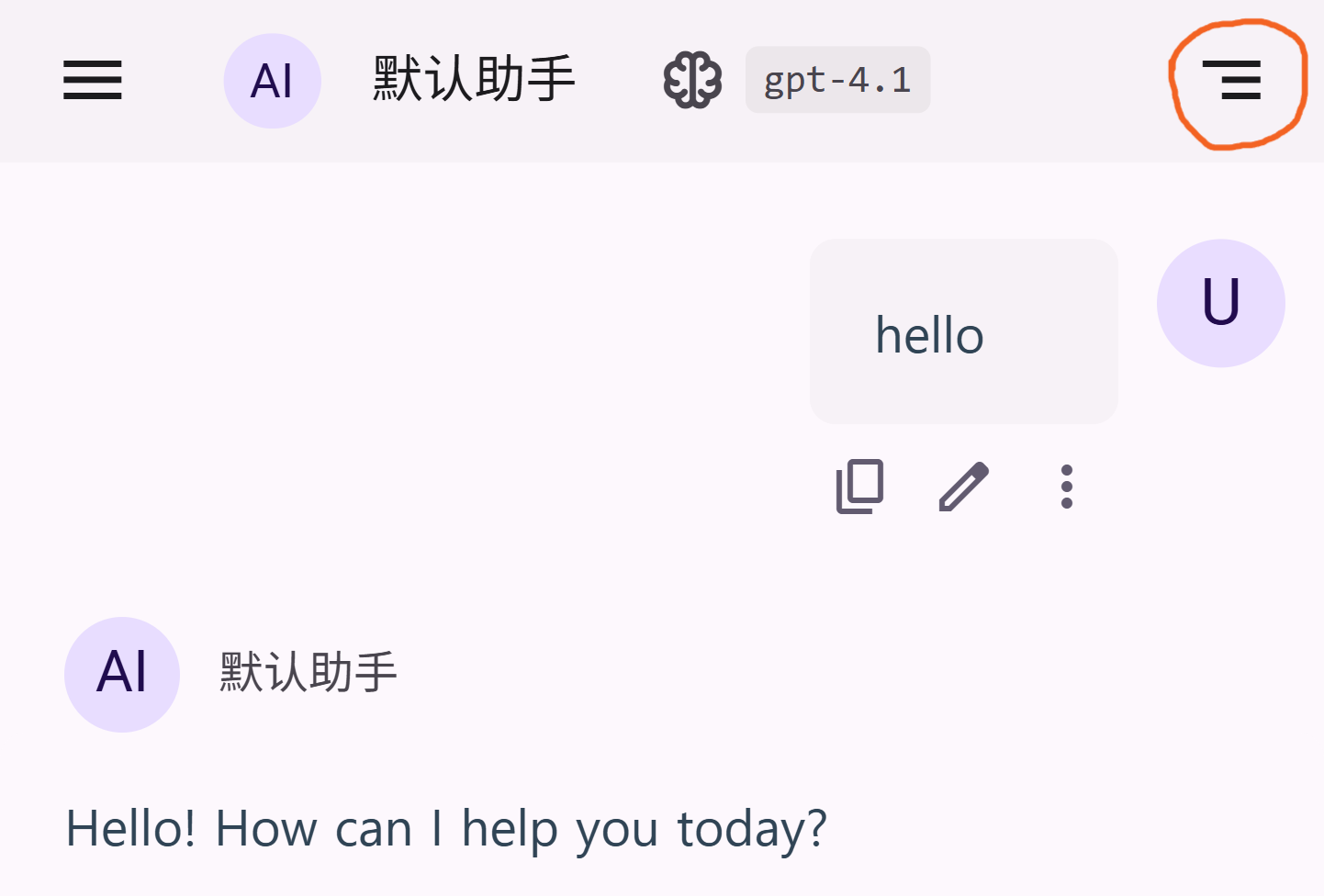
On mobile devices, you can quickly create a new conversation by long-pressing the icon in the top right corner. (This feature is currently not supported in Safari browser due to compatibility issues.)
Switching to a Specific Branch
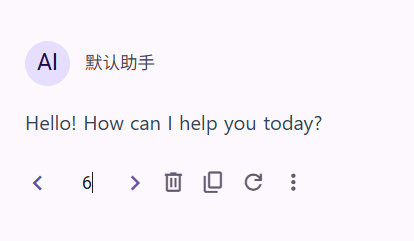
The branch switching component supports directly entering the number of the branch you want to switch to, and then pressing Enter to switch.
Editing Model List
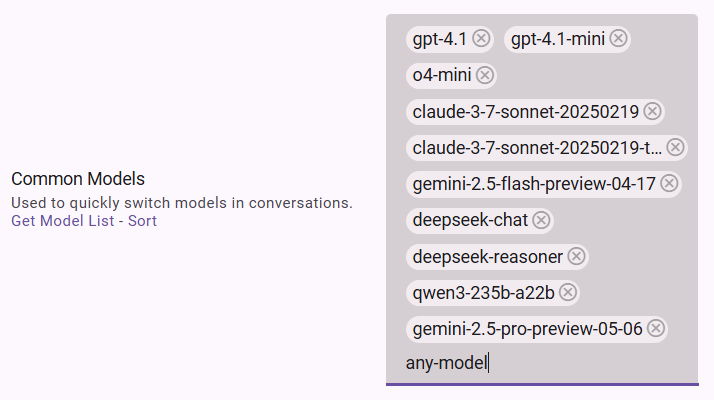
When editing the model list, you can enter any value and then press Enter to add the entered value, instead of just selecting from the list.
Checking the Version
You can check the current version by clicking the Logo at the top of the left sidebar.